Launching an AI workflow is only the beginning. Once people depend on the output, the team needs to know whether the workflow is still working as expected.
What to monitor
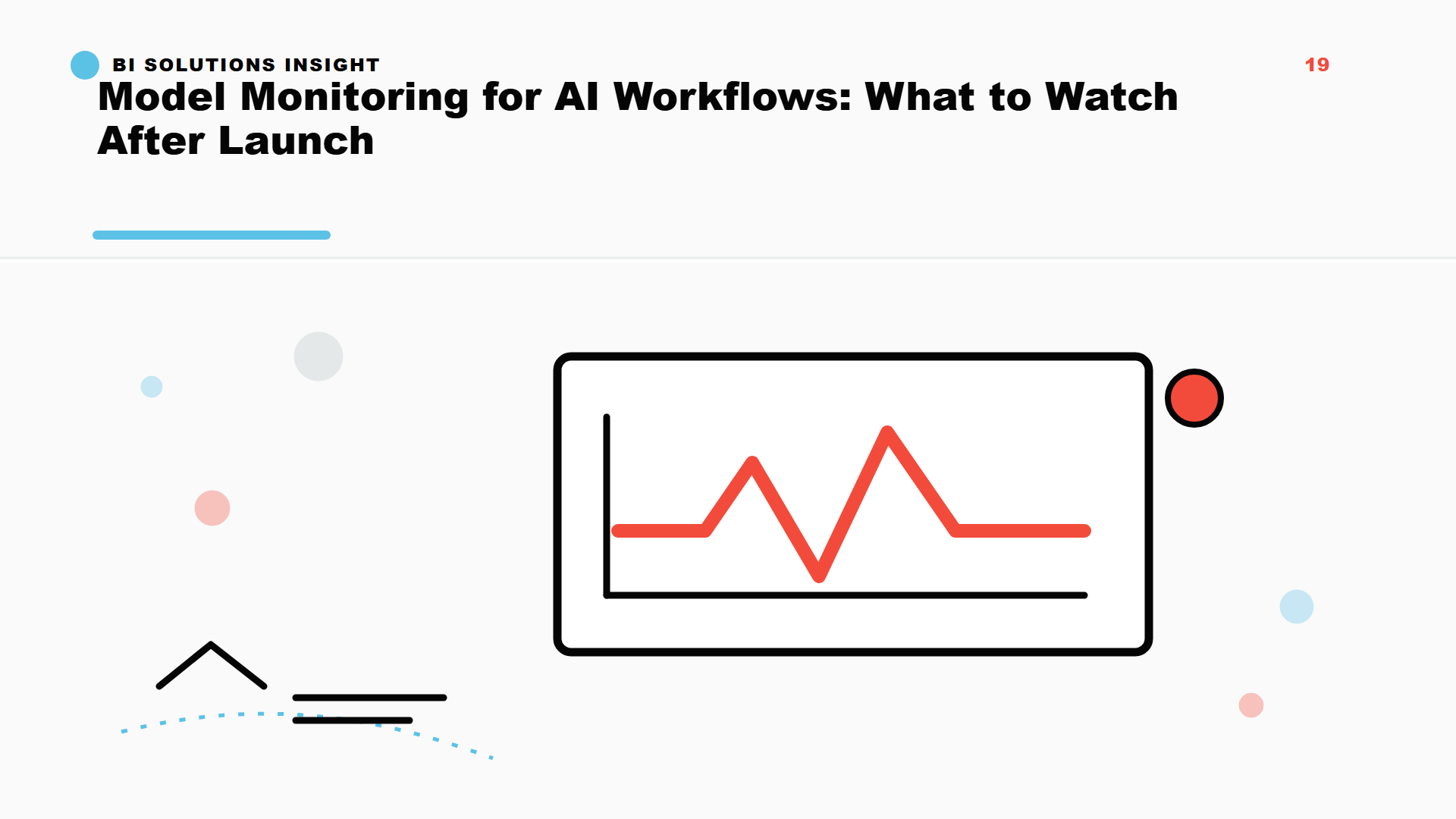
Monitor input quality, data drift, output patterns, user feedback, errors, latency, cost, and the business action supported by the workflow. The goal is not surveillance. The goal is operational confidence.
The MLOps and productionization service helps define these controls without making the first version too heavy.
Human review remains useful
For many AI workflows, monitoring should include human review samples. That creates feedback for improvement and protects teams from silent quality decay.
Monitor the workflow, not only the model
Many AI failures happen outside the model. Source documents change, users provide weaker inputs, latency increases, costs rise, prompts drift, or downstream teams stop trusting the output.
A monitoring plan should therefore cover the whole workflow: inputs, retrieval quality, output quality, review results, usage patterns, errors, and the decision the workflow supports.
Create a feedback loop
Monitoring is only useful if someone acts on it. Teams should define who reviews issues, how examples are collected, when prompts or data sources are updated, and when the workflow should be paused.
For small and mid-sized teams, this can stay lightweight. A weekly review sample, error log, cost check, and user feedback loop are often enough for early production workflows.
FAQ
What should AI teams monitor after launch? Monitor input quality, retrieval quality, output quality, errors, latency, usage, cost, user feedback, and business impact.
Is model monitoring only for large companies? No. Smaller teams still need lightweight checks when people rely on AI output for real work.
When should an AI workflow be paused? Pause it when outputs become unreliable, data sources change unexpectedly, sensitive data is mishandled, or review teams lose confidence.